
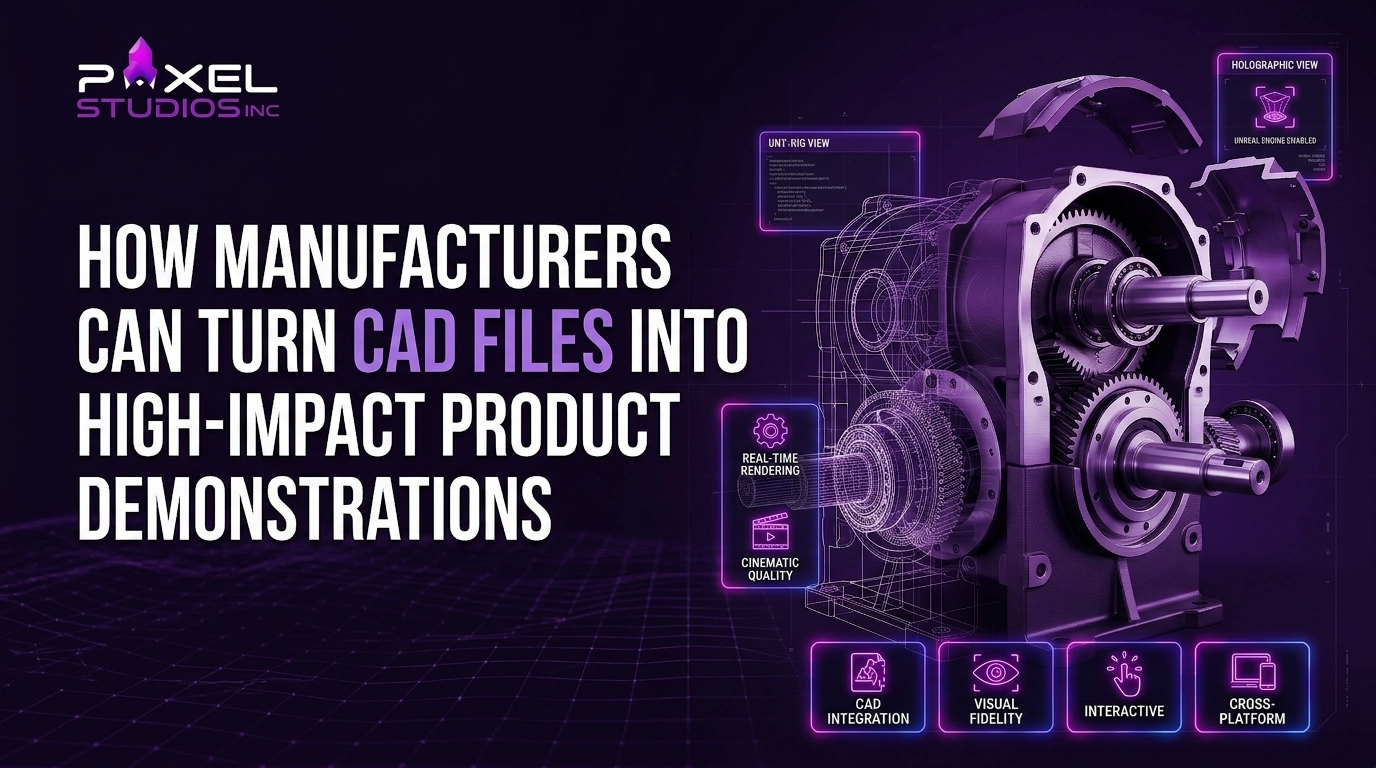
Gartner found that B2B buyers spend only 17% of their buying time meeting potential suppliers. With three vendors in the running, each one gets roughly 5 to 6% of that attention. The rest of the decision happens without your sales rep in the room. 3D product animation built from your existing CAD files covers that gap with a demonstration that plays on a procurement lead’s laptop, a distributor’s tablet, and a trade show screen. This guide covers how manufacturers get from engineering geometry to a demo that helps close the deal.
The Sales Asset Sitting in Your PDM System
Every part you ship already exists as precise 3D geometry. Engineering modeled it to a tenth of a millimeter and versioned it in SolidWorks PDM, Windchill, or Teamcenter. After release to production, the model mostly sits there. Marketing waits for a pre-production unit, books a photographer, and gets a set of stills that can’t show one moving part.
That costs more than most teams realize. A gearbox that took eighteen months to design goes to market with a datasheet and two exterior photos. The buyer has to imagine how the shaft seals, how the housing opens for service, and why your design runs cooler than the one on the next quote. Manufacturing product animation closes that gap by reusing the exact geometry the factory builds from, so the sales story starts from the same source of truth as the product.
Accuracy is already paid for, which is the core argument for converting CAD files into 3D animation instead of modeling from scratch. Translation is the work that remains, and it’s the step where most projects either move quickly or stall for weeks.
Introduce Your Script
To The World With Our
Explainer Videos

What Has to Change Between an Engineering File and a Sales Demo?
Four things change: the geometry gets lighter, the surfaces get real materials, the parts get motion, and the whole thing gets a story. CAD is built for manufacturing tolerances. A demo is built for a person watching a screen for ninety seconds while deciding who goes on the shortlist.
| Engineering CAD file | Sales-ready product demo animation | |
| Purpose | Define how to build it | Show why to buy it |
| Geometry | Every fillet, thread, and fastener; millions of triangles once tessellated | Simplified where the camera never looks, dense where it lingers |
| Surfaces | Color-coded by part or material spec | Physically based materials: brushed steel, anodized aluminum, cast iron, EPDM seals |
| Motion | Static, or simulated for engineering analysis | Choreographed for clarity: assembly, operation, cutaway |
| Audience | Engineers and toolmakers | Procurement, plant managers, distributors, operators |
| Output | STEP, IGES, Parasolid, native formats | MP4 cutdowns, high-resolution stills, interactive viewers |
The table also explains why a model that looks perfect in your CAD viewer can look flat in a render. Understanding the difference between 3D modeling, rendering, and animation helps here, because each stage solves a separate problem, and a weak spot in any one of them shows up on screen. Good product visualization depends on all three stages pulling in the same direction.
The CAD-to-Demo Pipeline, Stage by Stage
Six stages take a released engineering model to a finished demo. Skipping one usually means paying for it later in revisions.
1. Export in a Neutral Format and Defeature
STEP (AP214 or AP242) is the most dependable handoff format. Parasolid works cleanly from SolidWorks and Siemens NX, and native files help when the studio runs the same package. Before exporting, engineering should suppress features nobody will see on camera: tapped threads, internal ribs, proprietary cooling channels. Defeaturing makes files smaller, speeds up every later stage, and protects intellectual property in the same step.
2. Retopology and Geometry Cleanup
Tessellated CAD produces long, thin triangles that cause shading artifacts on curved surfaces. Artists rebuild problem areas into clean quad meshes, convert repeated fasteners into instanced assets, and keep hero surfaces dense enough to hold up in a close-up. Our 3D modeling services team handles this cleanup for manufacturers who send over raw engineering assemblies.
3. Materials, Lighting, and Look Development
This is where CAD rendering services earn their fee. Every part gets a physically based material matched to its real finish, from powder-coat orange peel and machining marks on a milled face to the faint translucency of a polycarbonate lens. Lighting is set up to explain form, with rim lights tracing edges and a soft key light separating subassemblies. A strong look-development pass makes the product read as real metal and polymer, and buyers carry that impression straight into how they judge build quality.
4. Rig Motion From Real Constraints
Your engineers already defined how every part moves: hinge axes, slide limits, gear ratios, actuator stroke. A technical animator rebuilds those constraints so a butterfly valve rotates on its true axis and a cylinder travels its true distance. This is the heart of 3D technical animation, and it’s what separates a believable demo from a merely attractive one. Viewers with engineering backgrounds spot invented motion in seconds.
5. Storyboard Around Buyer Questions
The script should come from sales calls, and the bill of materials should stay out of it. List the objections your reps hear most often, then give each one a shot. An exploded view animation answers build-quality doubts, a cutaway shows flow paths, a time-lapse shows maintenance intervals, and a split screen compares energy draw against the incumbent. A strong 90-second product demo animation answers five or six questions well and leaves everything else to the datasheet.
6. Engineering Sign-Off, Render, and Cutdowns
Before final rendering, one engineer with sign-off authority reviews the animatic for accuracy. Once approved, the master renders a single time and gets cut into a trade show loop, a website film, a silent social version, and a set of stills. Our walkthrough of the 3D product animation process covers each review gate in more detail.
Which Demo Format Fits Which Sales Moment?
Pick the format based on where the buyer will watch it. A demo built for a booth fails as an RFQ attachment, and a maintenance film loses a prospect who hasn’t bought yet.
| Sales moment | Format | Length | What it must show |
| Trade show booth | Silent looping animation | 15 to 30 seconds | Product silhouette, one hero mechanism, brand mark |
| Website product page | Narrated product demo | 60 to 90 seconds | Function, key differentiators, applications |
| RFQ and proposal packs | Technical walkthrough | 2 to 3 minutes | Specs in motion, integration points, footprint |
| Distributor and dealer training | Modular series | 2 to 4 minutes each | Installation, configuration, troubleshooting |
| After-sales support | Maintenance animation | 1 to 3 minutes | Service access, part replacement, intervals |
| Investor and board decks | Concept film | 30 to 60 seconds | Market problem, product response, scale |
Trade shows need special handling because the setting works against video: no audio, constant foot traffic, viewers standing four meters away. This guide to designing silent trade show loops that work from a distance covers framing, pacing, and on-screen text sizes for booth displays.
Distributor training is the format manufacturers undervalue most. Dealers who understand installation sell with more confidence and generate fewer warranty claims, and the same rigged model that drives your marketing film can produce a full training series for a small fraction of the original cost. That reuse is the hidden economics of manufacturing product animation: the expensive work happens once, and every new format draws from it.
Where 3D Manufacturing Animation Pays Off Fastest?
The pipeline is the same across sectors. The buyer’s biggest doubt changes, and so does the shot that answers it.
Industrial Machinery and Process Equipment
Pumps, compressors, presses, and conveyors all hide their value inside a housing. 3D manufacturing animation renders flow paths, wear points, and service access in ways a site visit can’t show without a shutdown. Our 3D industrial animation service is built for this level of mechanical detail, and the manufacturing animation page shows how the same footage feeds sales decks, distributor portals, and operator training.
Automotive and Mobility Components
Tier 1 and Tier 2 suppliers pitch to OEM engineers who want to see how a component sits inside the vehicle architecture. Animation can ghost the body panels, isolate a brake module or battery enclosure, and show its interaction with neighboring systems under load. Suppliers and OEMs working in this space can see more examples on our automotive animation page.
Medical Devices
Device makers need to show a mechanism inside anatomy, which a camera can’t film. Animation places the instrument in context, slows the critical moment down, and repeats it from three angles for training sales reps and surgeons alike. The ConMed AirSeal medical device explainer is a working example of engineering data turned into a clinical story.
Consumer Electronics and Hardware
Electronics brands use CAD animation to sell what sits under the shell: switch mechanisms, thermal design, port layout. The G-Lab gaming keyboard 3D product promo shows how a single detailed model can carry a full launch campaign, and our technology animation page covers longer B2B hardware sales cycles.
Logistics and Material Handling
Automated storage systems, sorters, and AGV fleets sell on throughput, and throughput is hard to picture from a layout drawing. A warehouse-scale animation lets a buyer watch pallets move through the system at full speed before a single rack is installed. Our logistics animation work focuses on exactly this kind of systems-level 3D product visualization.
How Do You Protect Your IP When Sending CAD Files to a Studio?
Send only what the camera needs, under a signed NDA, through a controlled channel. Most leaks come from oversharing files that never needed to leave the building.
- Sign the NDA and master services agreement first. No geometry moves until both are in place.
- Defeature before export. Strip proprietary internals and replace them with simplified shells when the shot doesn’t open the housing.
- Use stylized cutaways for sensitive mechanisms. A ghosted, color-coded interior can explain the principle without revealing exact dimensions.
- Transfer through access-logged channels. SFTP or permissioned cloud folders work; email attachments don’t belong in this process.
- Ask about storage and deletion. Get the studio’s retention policy in writing, including what happens to files after delivery.
- Clarify ownership of derived models. You should own the cleaned, render-ready model so it can feed future campaigns and configurators.
A studio that asks for your complete top-level assembly on day one without discussing any of this is telling you something about how it works.
Three Mistakes That Turn a CAD Animation Into an Expensive Screensaver
Manufacturers new to animation tend to make the same three errors. Each one is easy to avoid once you know it’s coming.
Mistake 1: Sending the Full Top-Level Assembly
A 4,000-part assembly with every bolt, washer, and wire harness can add weeks of cleanup and inflate the quote, even though most of those parts never appear on camera. Send the subassemblies the story needs and a simplified envelope for everything else. If the studio needs more, it will ask.
Mistake 2: Letting the Bill of Materials Write the Script
Engineering teams are rightly proud of their work, and the first script draft often turns into a tour of every feature. Buyers care about uptime, energy cost, maintenance hours, and footprint. Translate each feature into the outcome it produces, then cut anything that doesn’t connect to a buying criterion. A ninety-second film with five clear answers will outperform a four-minute one with twenty. That discipline is what makes 3D product animation persuasive to a procurement committee.
Mistake 3: Chasing Photorealism in Every Shot
Photorealism sells finish and quality. It does a poor job of explaining what happens inside a sealed pump. Some shots need stylized clarity instead: transparent housings, color-coded fluids, glowing heat zones. Most strong manufacturing films mix both approaches, and this comparison of photorealistic vs stylized 3D animation helps you decide which shots need which.
Your Pre-Production Checklist
Work through these eight steps before you brief a studio on any 3D manufacturing animation project. They cut revision rounds and keep the budget focused on the shots that sell.
- Name the sales moment and the audience. “Trade show loop for plant managers” produces a sharper brief than “product demo animation for the website.”
- Collect the top five buyer objections. Pull them from sales calls, lost-deal notes, and RFQ clarification questions.
- Choose the subassemblies. Match each objection to the parts that answer it.
- Export defeatured STEP or Parasolid files. Include a native file if the studio runs your CAD package.
- Gather finish references. RAL or Pantone codes, surface roughness notes, and photos of a physical part under daylight.
- Document real motion. Axes, travel limits, speeds, and the order of operations.
- Assign one engineering reviewer. One person with sign-off authority prevents conflicting feedback.
- Define cutdowns up front. List every length and aspect ratio you need so camera moves are planned for all of them.
Budget follows scope. Model complexity, render quality, and length drive most of the price, and this guide to 3D product animation cost breaks those factors down with realistic ranges.
Choosing a Partner That Speaks Engineering and Sales
The right studio is fluent in both languages. Ask to see 3D product visualization work similar to yours in material and complexity, and ask how they handle STEP imports, defeaturing, and engineering review. Then ask how they would cut the master for a trade show, a website, and a distributor portal. A partner who can answer all three without hesitation has done this before, and treats 3D product animation as both an engineering task and a sales task. Our list of questions to ask before hiring a 3D product animation company gives you a full vetting script for the first call.
Ready to Turn Your Engineering Files Into a Sales Asset?
Your CAD library holds every product you make, modeled with more precision than any camera can capture. Pixel Studios Inc. turns that geometry into product demonstrations your buyers can watch when your reps aren’t there, with engineering-accurate motion and finishes that read as real metal and polymer. Explore our 3D product animation services to see the formats we produce for manufacturers.
When you’re ready, send us one subassembly for a free feasibility review. We’ll tell you what it takes to turn it into a demo, how long it will take, and which shots will do the most for your next sales cycle.
Introduce Your Script
To The World With Our
Explainer Videos
Frequently Asked Question?
Can any CAD file be turned into 3D product animation?
Yes, most can. Files from SolidWorks, Inventor, Creo, CATIA, NX, and Fusion 360 all export to neutral formats such as STEP or Parasolid, which animation studios import directly. Very large assemblies need defeaturing and cleanup first, and files with missing surfaces or broken geometry need repair before rendering.
Which file formats work best for CAD animation?
STEP (AP214 or AP242) is the safest choice because it preserves assembly structure and precise geometry across nearly every software package. Parasolid works well with SolidWorks and NX. Mesh formats such as STL lose part structure and surface quality, so treat them as a last resort.
How long does a manufacturing product animation take?
A 60 to 90 second film typically takes four to seven weeks from kickoff to final delivery. Clean CAD files, a clear script, and a single engineering reviewer shorten that timeline. Short trade show loops built from an existing model can take as little as two weeks.
Is 3D product visualization accurate enough for technical buyers?
Yes, when it starts from engineering data. Because the geometry comes straight from CAD, dimensions, clearances, and motion ranges match the real product. Technical reviewers should still sign off on the animatic before rendering to confirm motion and assembly order.
What is the difference between CAD rendering services and 3D technical animation?
CAD rendering services produce still images: realistic materials and lighting applied to your engineering model. 3D technical animation adds motion, showing how parts assemble, operate, and interact over time. Many manufacturers start with renders for catalogs and add animation for sales demos and training.

